Your collection, open to your buyers.
MyDesignDeck is a private portal under your own name. Buyers browse the part of your archive you decide they may see, mark what they want, and ask about a design on the design itself.
One plan, no tiers. Cancel from your dashboard at any time.
A collection is not a zip file.
Studios spend months on a collection and thirty seconds on how it reaches the buyer. That last step is where the work loses its context, its branding, and any record of who saw what.
- A transfer link that dies after seven days.
- A portal that is always there, under your own name.
- Feedback as “the third one, second row” in a mail thread.
- Questions attached to the design they are about.
- Every buyer gets the same PDF, whatever you meant to show them.
- Each buyer sees exactly the part of the archive you opened up.
- No idea which designs a buyer actually kept.
- Every selection, question and download, as it happens.
- A design you already sold, still sitting in someone else's PDF.
- Sold work drops out of every other buyer's view.
From your archive to their order, in four steps.
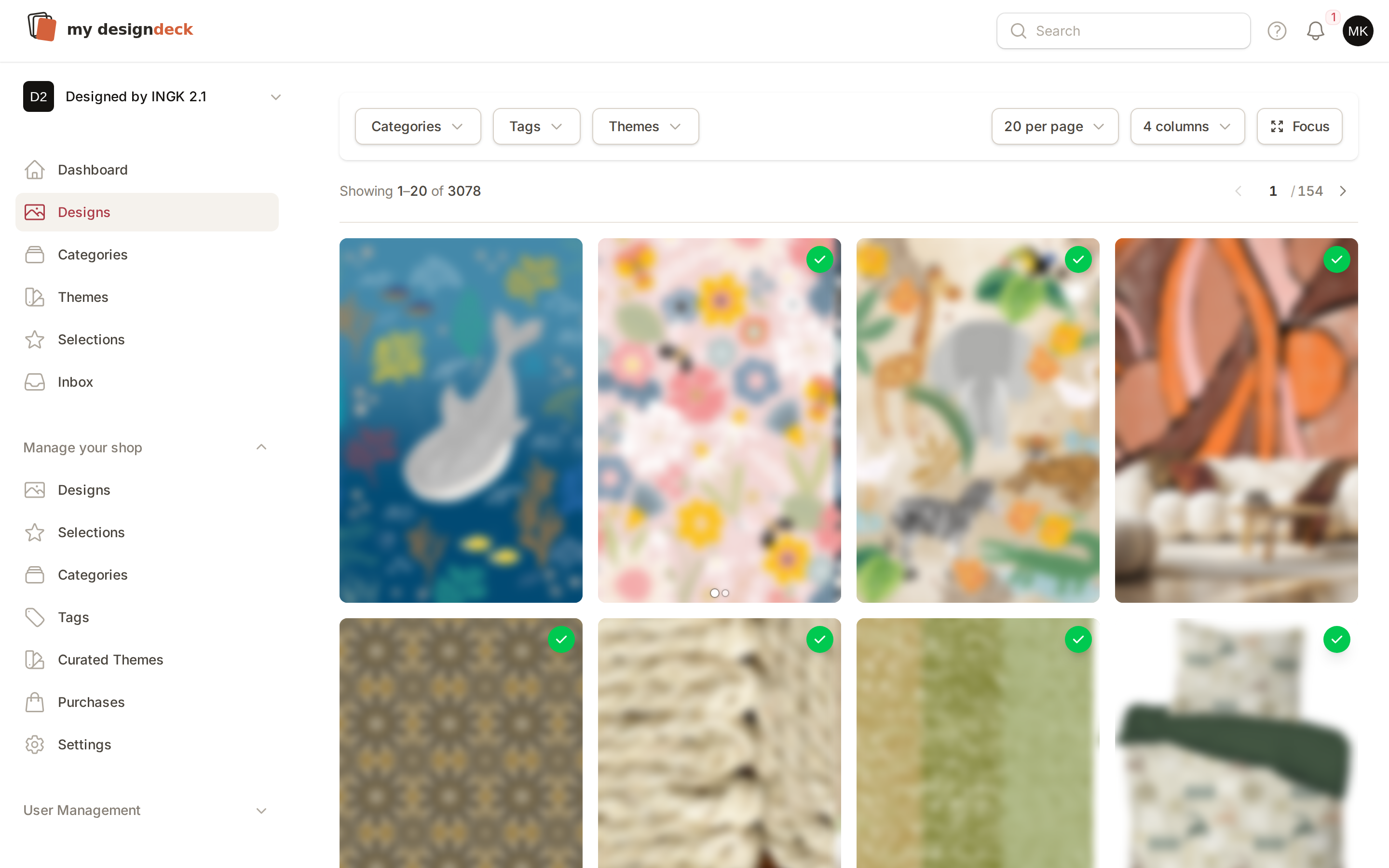
Put the archive online once
Upload your designs and file them by category, theme and tag. Three thousand pieces stay searchable, and a buyer can narrow them down to the twenty that matter without asking you first.
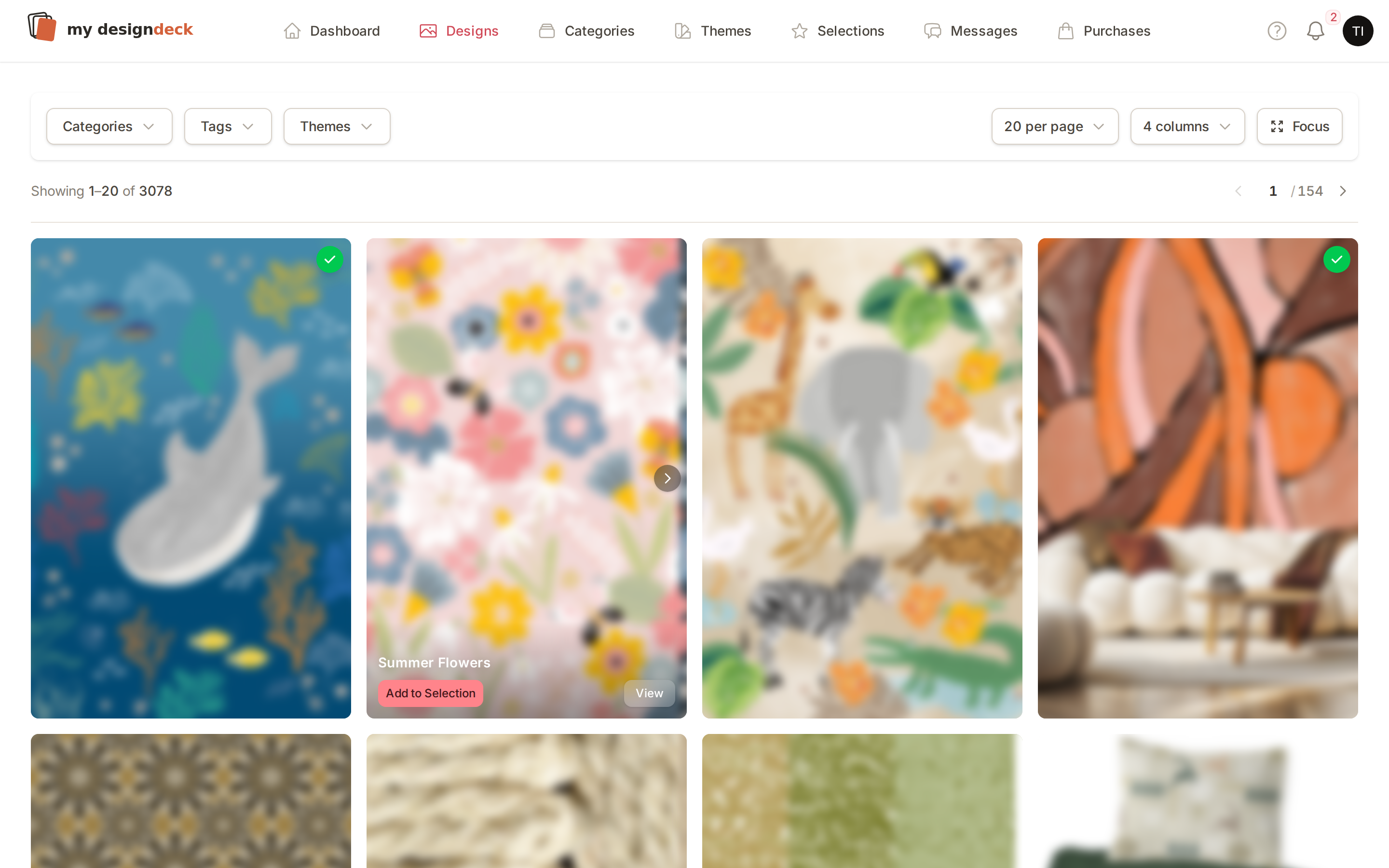
Decide what each buyer may see
Invite buyers by email. By default they browse the whole collection; narrow one down to only the selections you prepared, or to specific categories. Turn on exclusivity and sold work disappears for everyone else.
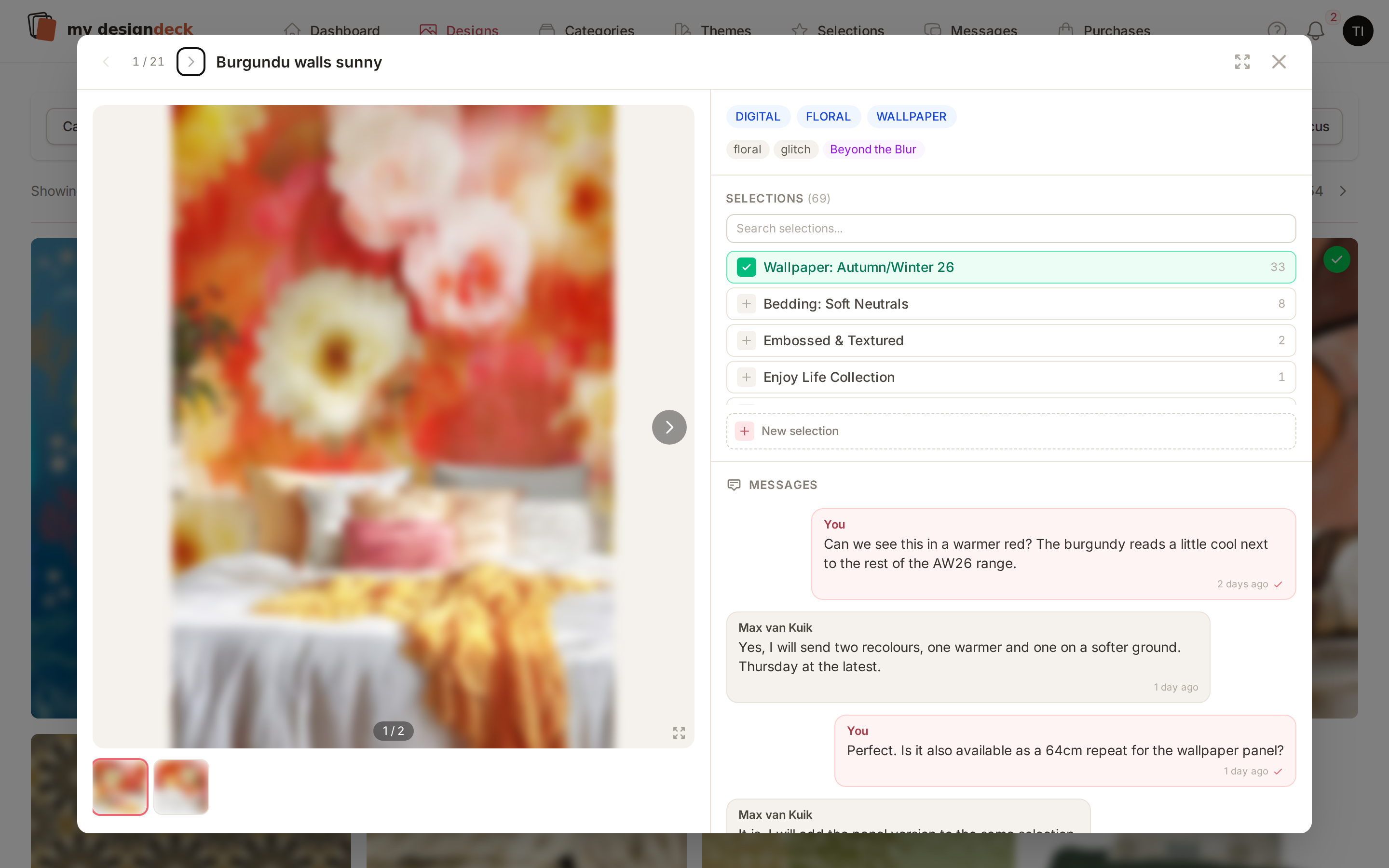
Questions land on the design
A buyer asks about a colourway or a repeat on the piece itself, and the thread stays with that design. No screenshots, no “second row, third one”, no digging back through mail.
It stays your studio throughout
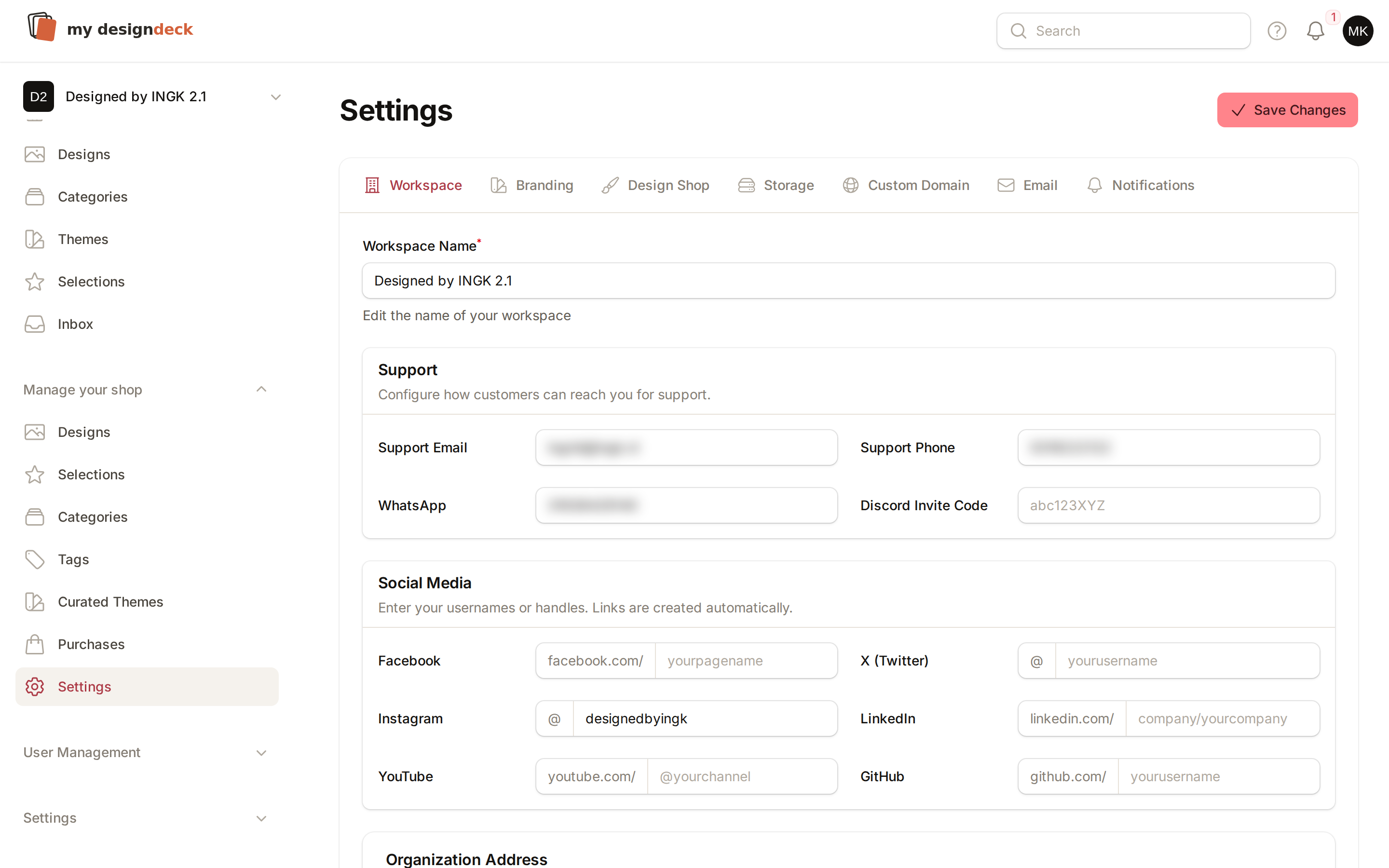
Run the whole portal on your own domain, with your logo and colours, and send client mail from your own address. Nothing your buyers touch carries our name.
Built for the way a studio actually sells.
Your archive, filed once
Category, theme and tag on every design, so a buyer can cut three thousand pieces down to the twenty that matter without asking you.
Three levels of access
A buyer browses everything by default. Narrow one down to only the selections you prepared, or to specific categories.
Sold means sold
Switch on exclusivity and a purchased design drops out of every other buyer's view, while the buyer who took it keeps seeing it.
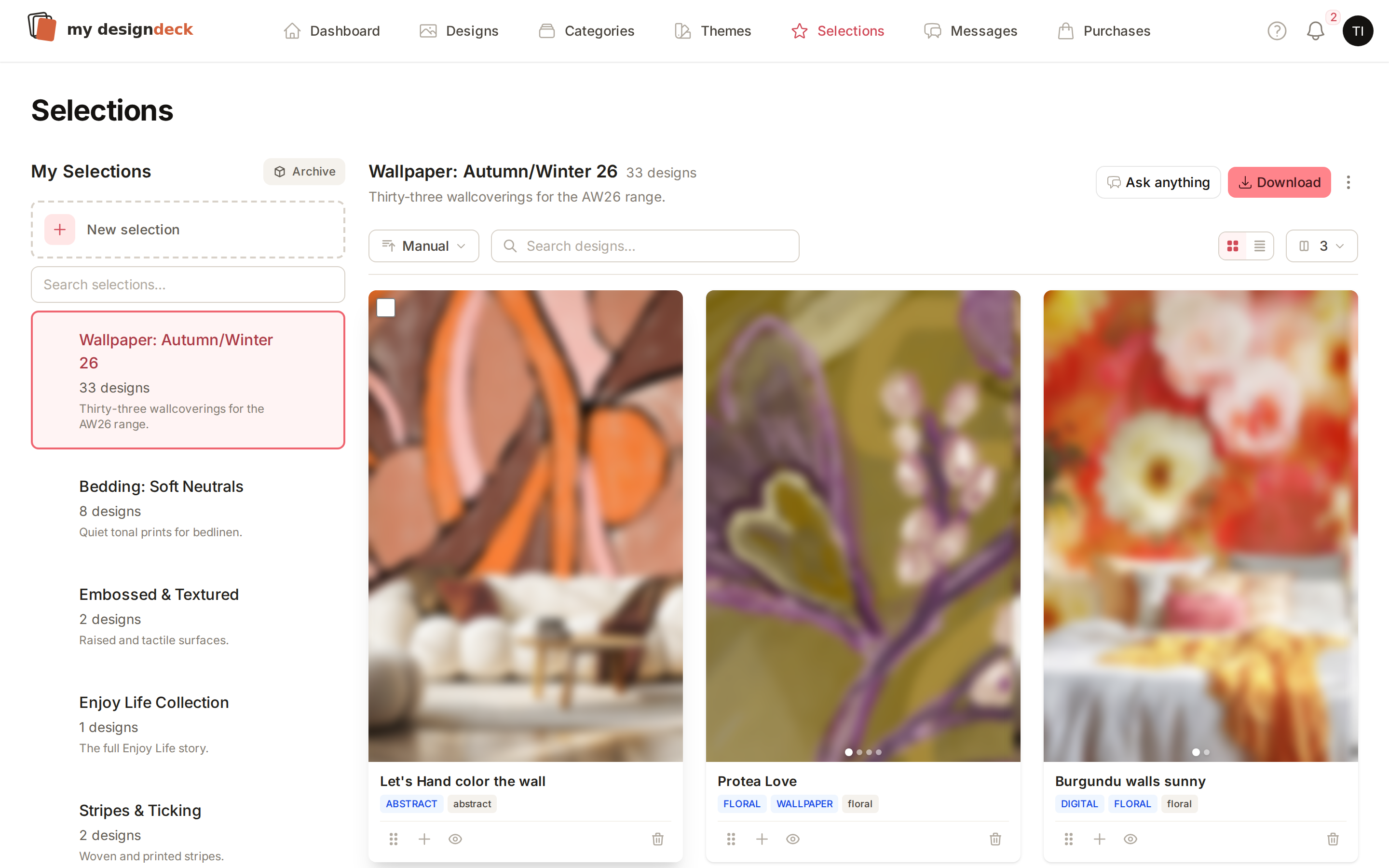
Selections they build themselves
Buyers keep what they like in their own selections. You see the list, and can send it back as a PDF lookbook.
Questions on the design
A thread per buyer, attached to the piece it is about, so nothing gets lost five replies deep in a mail chain.
Your name on all of it
Your own domain, your logo and colours, and client mail sent from your address instead of ours.
One plan, the whole studio.
No per-seat maths and no feature tiers to decode. Unlimited designs, unlimited buyers, the whole portal, month to month.
Pro
Secure payment. Cancel from your dashboard at any time.
- Manage unlimited designs
- Unlimited selections
- Team collaboration
- Custom categories & tags
- Priority support
- Bulk upload & management
- Advanced filtering & search
- Telegram notifications
- Cloud storage (S3)
- Custom domain
- Unlimited team members
What does a buyer actually see?
That is yours to set, per buyer. By default they browse your whole collection. You can narrow one down to only the selections you prepared for them, or to specific categories. Nothing outside that is reachable.
What happens to a design once it is sold?
Switch on exclusivity and a purchased design disappears from every other buyer's view, while the buyer who took it keeps seeing it in their own selections. Leave it off and everything stays browsable.
Can I run it on my own domain?
Yes. Point a domain or subdomain at your workspace and set your studio logo and colours. You can also send client email from your own address, so nothing your buyers touch carries our name.
How do buyers give feedback?
They keep designs in their own selections and ask questions on the design itself, in a thread that stays with that piece. You see every selection and message in your dashboard, and can turn a buyer's picks into a PDF lookbook.
Can my team work in the same library?
Yes. Invite colleagues and agents by email and give them their own login. They work from the same archive, the same buyers and the same history, with admin rights only where you want them.
How does billing work?
You pay by card at checkout and the subscription renews every month. Invoices live in your dashboard, and you can cancel there at any time. You keep access until the month you paid for ends.
Open your collection to your buyers.
Set up your studio, put the archive online, and send your first buyer a link that still works a year from now.